
Managing Accounts & Balances
Learn how Damisa Accounts work, how balances are managed across assets and networks, and how to link your own external accounts for settlements.
Damisa Accounts
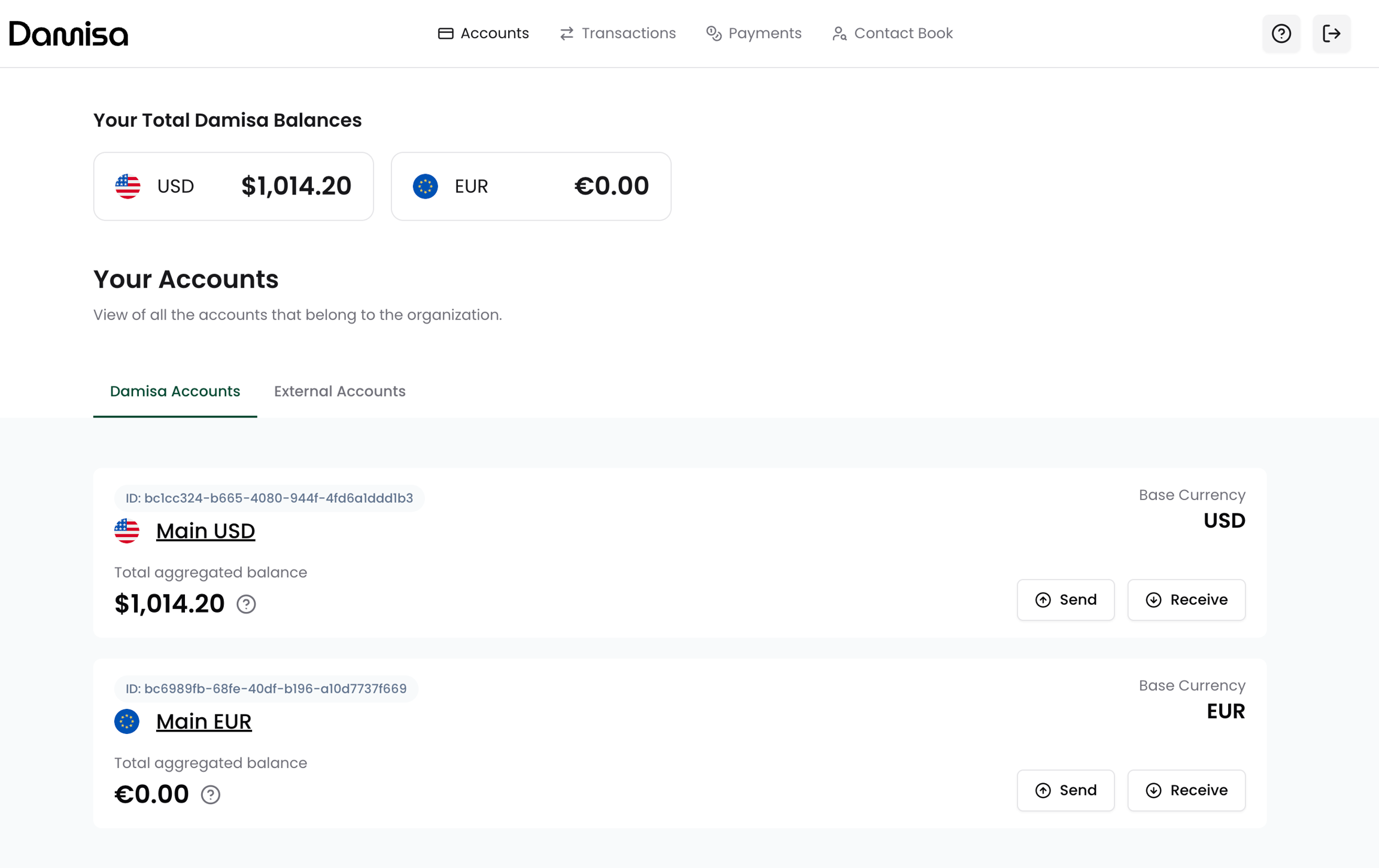
Every Damisa Customer starts with two Damisa Accounts by default:
One USD-based Damisa Account
One EUR-based Damisa Account
Each account is denominated in a base currency and aggregates balances across supported stablecoins, blockchains and optionally fiat bank accounts.
Damisa is continuously expanding support for new regions and stablecoins.
If you require additional base currencies or assets, please contact your Account Manager to discuss enablement.
Key Rules:
There can be only one Damisa Account per base currency.
Each Damisa Account may hold multiple stablecoin assets (e.g., USDC, USDT) across different blockchains.
The account view displays the aggregated balance of all supported stablecoin assets for that base currency, assuming a 1:1 exchange rate.
While stablecoins are designed to maintain a 1:1 peg with fiat currencies, in practice they often trade slightly above or below that value (e.g., 1 USDC ≈ 0.99998 USD).
For simplicity and convenience, Damisa displays aggregated balances at a fixed 1:1 rate. However, during transaction processing, minor differences in exchange rates may occur, and you should be aware of potential small variations.
In the Damisa Send Flow, you can specify the exact amount you expect the receiver to get. Damisa will handle the necessary conversions to meet this amount wherever possible, applying live FX rates and ensuring transparency before you confirm the transfer.The blockchain fees are fully absorbed by Damisa and covered under your agreed Damisa Fee.
Account Details
To view the breakdown of the balances you hold, simply navigate to the Damisa Accounts section and click on the account name (e.g., USD or EUR).
You will be redirected to the Account Details screen, where you can see:
A full breakdown of all assets (e.g., stablecoins, fiat equivalents) associated with that base currency account
The networks or rails these assets are held on (e.g., blockchain networks, banking rails)
The exact amount held per asset and per network
Assets or networks with zero balance will also be shown to give you full visibility into supported options.
This view provides complete transparency into how your funds are distributed, while aggregating everything into a single base currency view for operational simplicity.

External Accounts
Every Damisa Customer is able to either initiate an outgoing transfer to:
their own account or wallet held with another financial institution (settlement),
their contact’s account or wallet (typical payout - subject to restrictions, explained separately in the Outgoing Transfer section).
The External Accounts tab shows all accounts and wallets that the user has linked to their organization to enable settlements of their Damisa balances.
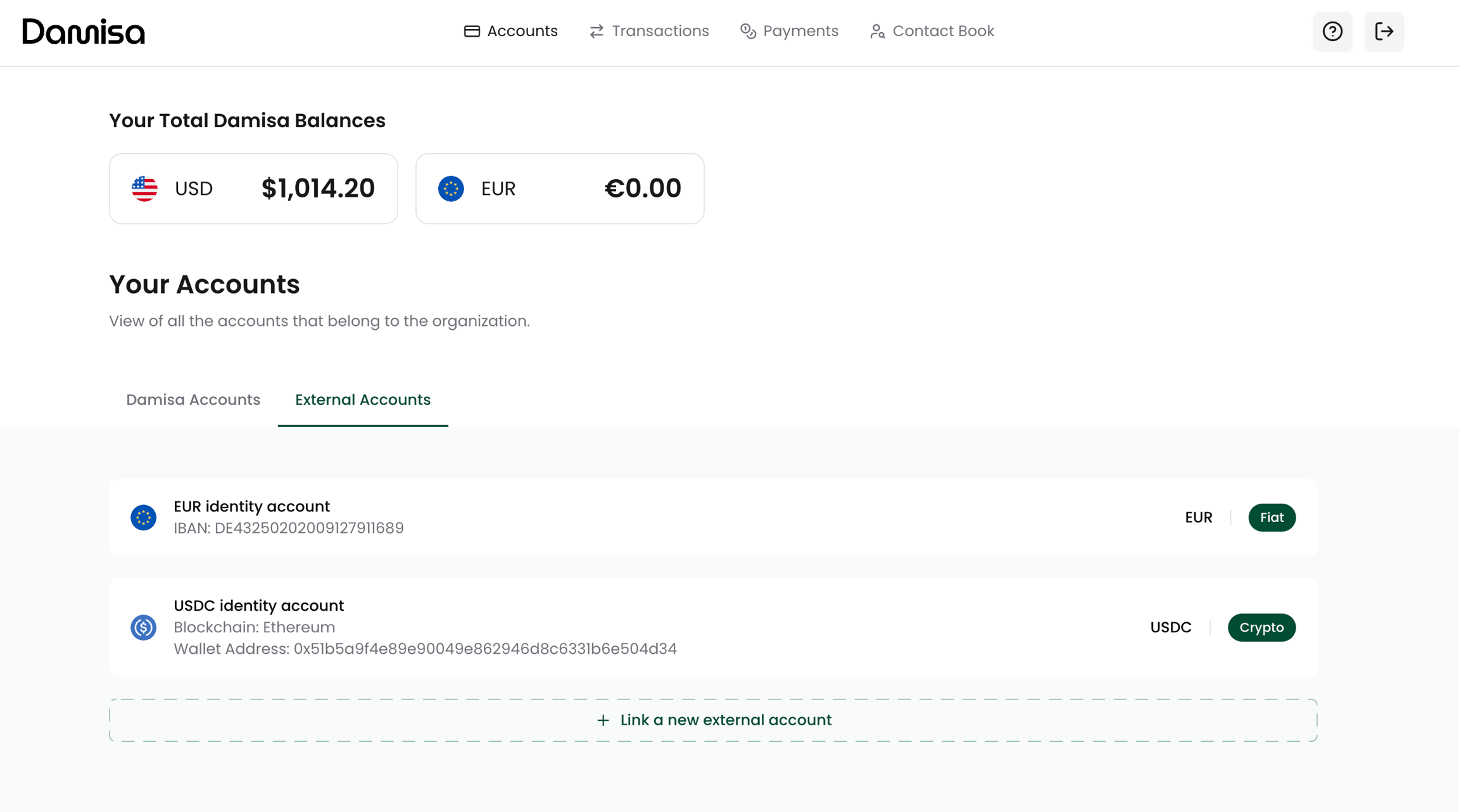
Linking a new external account
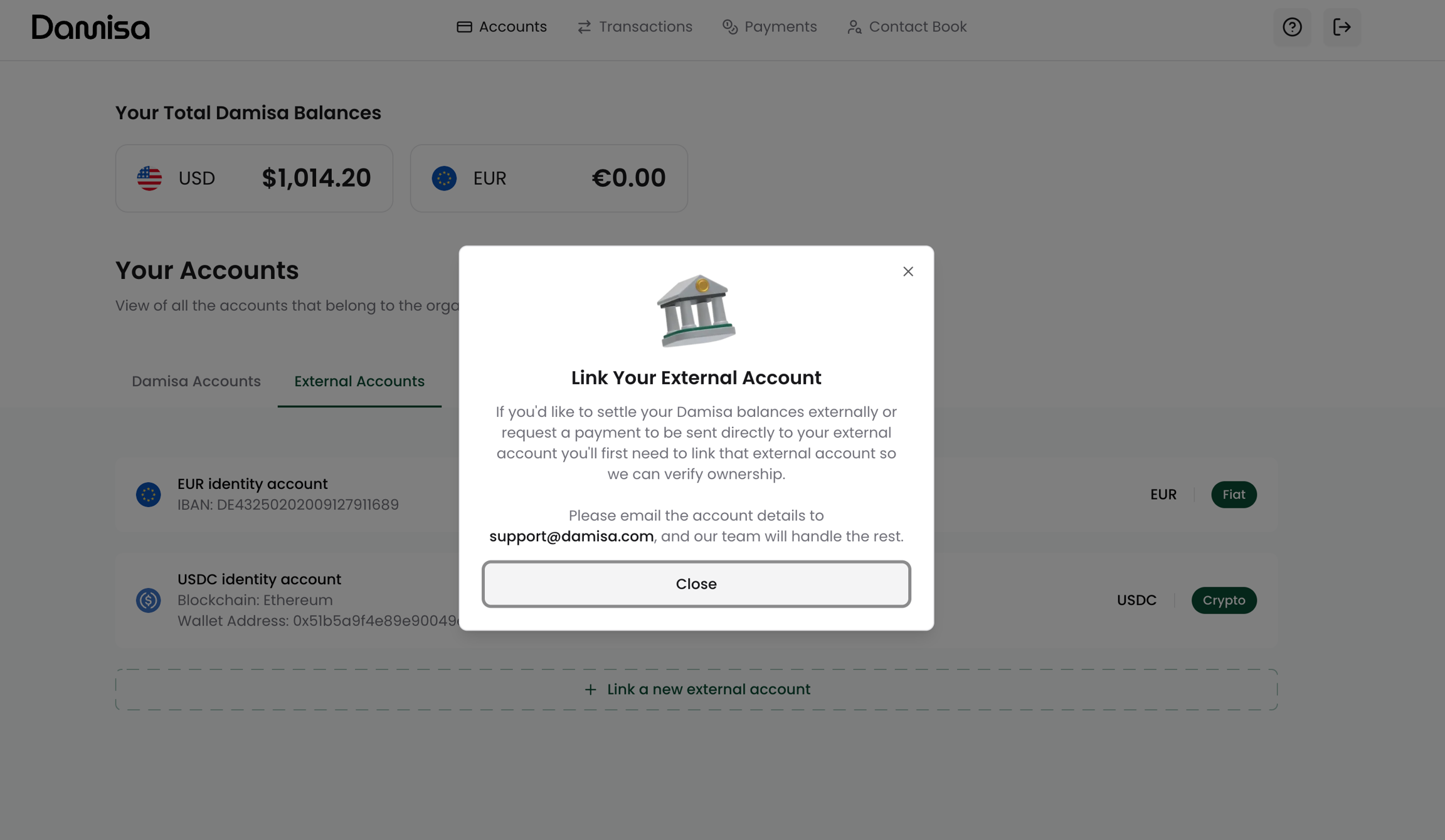
Currently, for security reasons and due to the need for ownership verification of your external bank account or wallet, the process of adding a new external account is manual.
To add an account:
Send a request to the displayed email or contact your Account Manager
Provide:
Details about the account or wallet you wish to add
Proof of ownership (e.g., recent bank statement or signed wallet declaration)
Damisa Team will review the details, and if everything is in order, a new External Account entry will be created for you.
From then on, the account will be visible in the portal, and you will be able to initiate settlements from your Damisa Account into the newly added External Account.
Last updated